
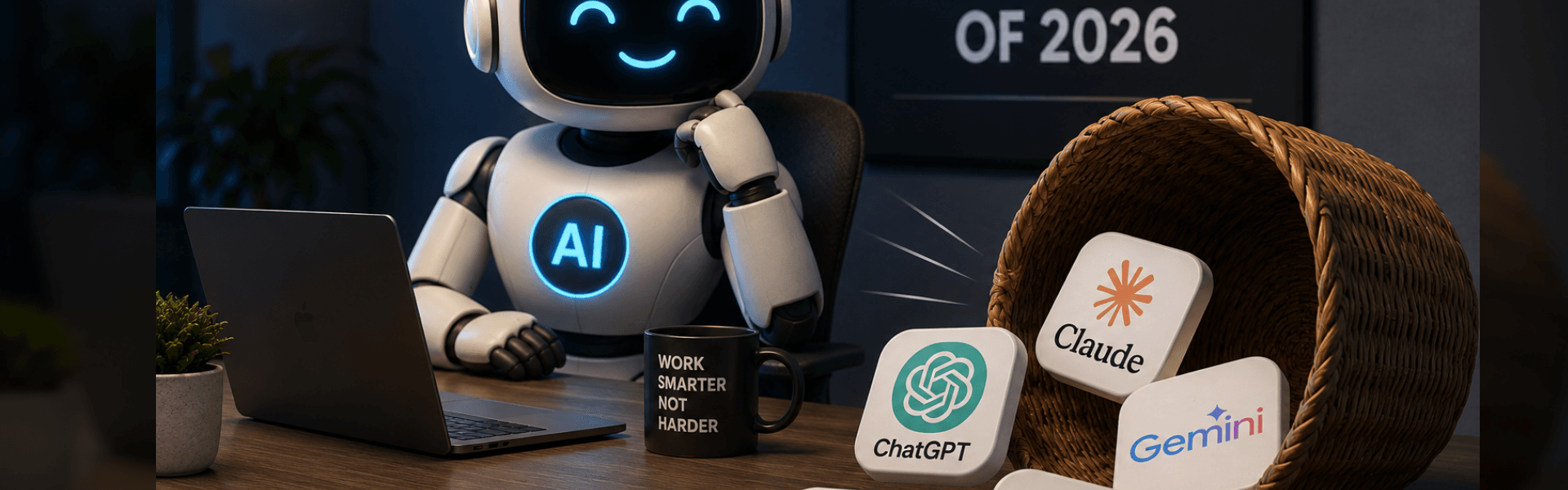
The Top 5 AI Assistants in 2026: What They Do Best and Why It Matters for Business
AI assistants have moved from experimental tools to core business infrastructure. In 2026, most professionals rely on at least one AI system daily for writing, research, coding, communication, or decision support. The market has stabilised around five major platforms that consistently dominate real-world usage: ChatGPT, Claude, Gemini, Microsoft Copilot, and Perplexity. These tools are not interchangeable. Each serves a different operational strength. Below is a practical breakdown of the top 5 AI assistants and where they fit into modern workflows.
1. ChatGPT (OpenAI) — The All-Round Business Assistant
ChatGPT remains the most widely used AI assistant globally, with strong adoption across business, marketing, and technical environments. It is built for versatility and performs well across a broad range of tasks.
Key benefits:
- Strong general reasoning and problem solving
- Multimodal input (text, images, voice, files)
- Useful for content creation, strategy, and communication
- Broad ecosystem of integrations and custom tools
- Suitable for both technical and non-technical users
ChatGPT is often the default choice for businesses because it handles multiple workflows in one platform without requiring specialist tools.
Best use cases:
- Content writing and marketing
- Business planning and ideation
- Coding assistance
- Document summarisation
- General productivity support
It is considered the “default operating layer” for many modern workflows.
Read our article on how to get your Website in AI Searches
2. Claude (Anthropic) — The Deep Thinking and Writing Specialist
Claude is known for producing structured, high-quality reasoning output and handling long-form documents effectively. It is widely used in professional environments where accuracy and clarity matter.
Key benefits:
- Strong long-form writing capability
- High-quality reasoning and structured responses
- Excellent for analysing long documents and reports
- Large context handling for complex tasks
- Strong consistency in tone and instruction following
Claude is frequently preferred for analytical work where precision is more important than speed or multimodal features.
Best use cases:
- Legal or contract analysis
- Business documentation
- Strategy writing
- Research synthesis
- Technical explanations
It performs particularly well in roles requiring structured thinking and documentation.
3. Google Gemini — The Ecosystem-Integrated AI Assistant
Gemini is tightly integrated into Google’s ecosystem, making it a strong productivity tool for users already working inside Google Workspace.
Key benefits:
- Deep integration with Gmail, Docs, Drive, and Calendar
- Strong real-time information access capabilities
- Multimodal input (text, images, and more)
- Useful for productivity inside Google tools
- Strong context handling across documents and files
Gemini is designed to reduce friction inside day-to-day workflows by connecting directly to the tools businesses already use.
Best use cases:
- Email and calendar management
- Document summarisation
- Workspace productivity
- Research and information retrieval
- Internal business coordination
It is strongest in environments already built around Google infrastructure.
4. Microsoft Copilot — The Enterprise Productivity Layer
Copilot is designed for organisations operating within Microsoft 365 environments. It integrates directly into Word, Excel, PowerPoint, Outlook, and Teams.
Key benefits:
- Native integration into Microsoft Office suite
- Strong enterprise adoption
- Useful for structured reporting and documentation
- Assists with spreadsheets, presentations, and emails
- Designed for workplace productivity at scale
Copilot is less of a standalone chatbot and more of a workplace assistant embedded into enterprise software.
Best use cases:
- Corporate reporting
- Financial modelling in Excel
- Presentation creation
- Internal communication drafting
- Enterprise workflow automation
It is most valuable in structured corporate environments.
5. Perplexity AI — The Research and Search-Based Assistant
Perplexity is positioned differently from the others. It functions as an AI search engine that prioritises real-time information and cited sources.
Key benefits:
- Provides sourced answers with citations
- Strong real-time web search capability
- Ideal for fact-checking and research
- Useful for market and competitor analysis
- Reduces misinformation risk through references
Perplexity is widely used by analysts, marketers, and researchers who need verified information rather than conversational output.
Best use cases:
- Market research
- Competitor analysis
- Fact-checking
- Trend monitoring
- Academic-style research support
It is the closest AI tool to a “live research assistant”.
How These Tools Actually Get Used
In practice, most professionals do not rely on one AI assistant. They use a combination:
- ChatGPT for general execution
- Claude for structured thinking
- Gemini for Google ecosystem workflows
- Copilot for enterprise productivity
- Perplexity for research and verification
This reflects a broader shift in how AI is being adopted: not as a single tool, but as a layered system of intelligence.
What This Means for Businesses
For companies, the rise of specialised AI assistants signals a shift in operational structure:
- Less time spent on manual drafting and coordination
- Faster research and decision-making cycles
- Increased automation of routine communication
- Greater dependency on AI-integrated workflows
- Need for structured digital systems that AI can interact with
Businesses that adapt early to these systems are already improving efficiency across marketing, operations, and strategy functions.
AI assistants in 2026 are no longer experimental tools. They are operational systems embedded into daily business activity. Each platform has a clear role:
- ChatGPT leads in general usability
- Claude leads in structured reasoning
- Gemini leads in ecosystem integration
- Copilot leads in enterprise productivity
- Perplexity leads in research accuracy
The real advantage is not choosing one tool, but understanding how each fits into a broader workflow system that supports business execution, speed, and decision quality.